
Importing a Graphics Card from the US: How to Get a Better Price
A graphics card is a PC part that handles video processing with a chip called a GPU, and it is needed for high-graphics games and design software.
Depending on the model and the timing, buying a graphics card in the US can cost less than buying it in Japan, and using a forwarding service can sometimes save you even more.
This article introduces graphics cards and explains how to buy them at a better price.
What is a graphics card?
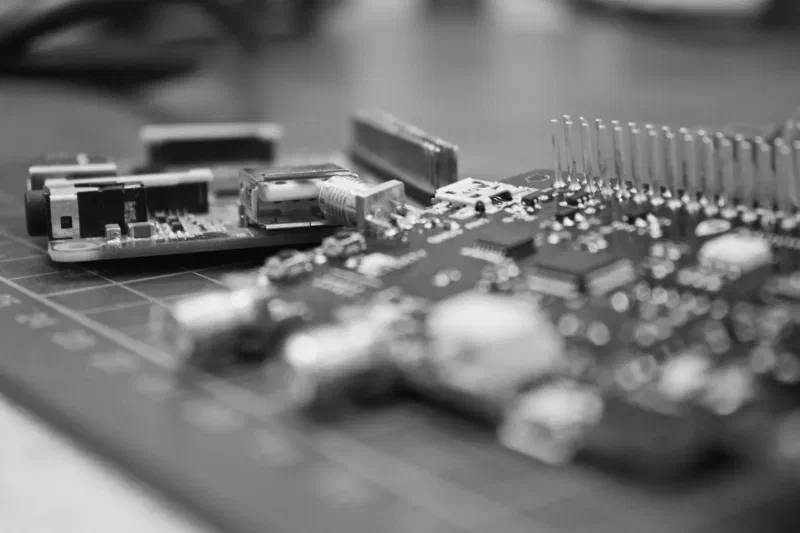
A graphics card is also called a video card.
It is one of the parts that make up a PC, and the GPU chip on it is dedicated to video processing.
Graphics functions are already built into the CPU and motherboard, but you need a graphics card to use high-graphics games and design software.
For mining, installing several graphics cards lets you perform more calculations.
Buying a graphics card on Amazon US can sometimes be cheaper
Depending on the model, buying a graphics card from Amazon US can cost less than buying it in Japan.
Buying from Amazon US is a personal import, so shipping fees, import customs duty and so on apply.
Considering shipping fees and import customs duty, you might think the price would not be much different from buying in Japan.
But depending on the model and the timing of sales, the price can be lower than in Japan even after including shipping fees and consumption tax.
The price difference varies greatly depending on the graphics card model and the exchange rate.
We recommend comparing the total price of the model you are thinking of buying on Amazon Japan and Amazon US before you buy.
New graphics cards can sometimes be bought cheaply in the US too
The North American graphics card market is larger than Japan’s, so even new products can be sold at low prices because of competition.
In Japan’s graphics card market, on the other hand, products are often sold at prices that include the costs of domestic distributors and importers.
That is why some people import from Amazon US and similar sites as a personal import to pay less. However, depending on the exchange rate and shipping, buying in Japan may be cheaper, so always compare the total.
Answers to common questions about importing graphics cards
Here are answers to common questions about importing graphics cards.
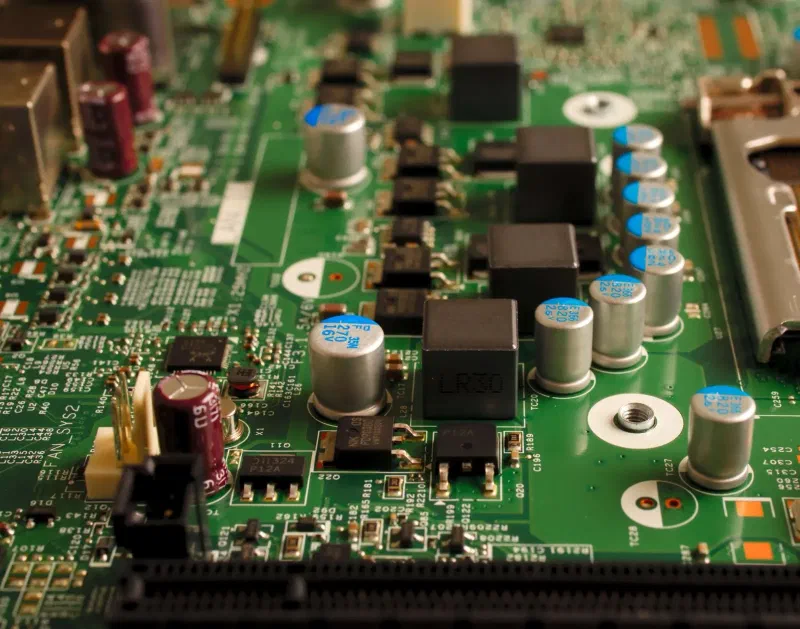
Can I check shipping and customs duty when importing a graphics card from Amazon US?
When you buy a graphics card from Amazon US, you can check the total, including shipping, import customs duty and consumption tax, on the order confirmation page of Amazon US.
You can see the approximate shipping, import customs duty and consumption tax for the graphics card in dollars or yen.
Add the graphics card to your shopping cart and proceed to checkout, and you will reach the order confirmation page, where you can check it.
Is the import fees deposit refunded?
When you buy from Amazon US, you have to pay an import fees deposit.
The “Import Fees Deposit” is calculated automatically and collected before Amazon US ships the item, and it covers the customs duty, consumption tax, handling fees and other charges that arise on import.
If more than the actual amount is collected, the difference may be refunded.
If you paid with a credit card when buying from Amazon US and import customs duty and the like were charged in excess, the excess is refunded to the credit card you used.
Is customs duty charged when I buy PC parts such as graphics cards from Amazon US?
Many PC parts are in categories that carry no customs duty, but even when no customs duty applies, consumption tax may apply.
In Japan, customs duty and consumption tax are in principle waived for packages with a taxable value of 10,000 yen or less. For personal use, the taxable value is 60% of the overseas retail price, so an item priced at about 16,666 yen or less is more likely to be tax-free. However, this 60% special rule is scheduled to be abolished on April 1, 2028, and consumption tax on mail-order imports of 10,000 yen or less is scheduled to start on the same date. See About customs duty for details.
A forwarding service can save you even more
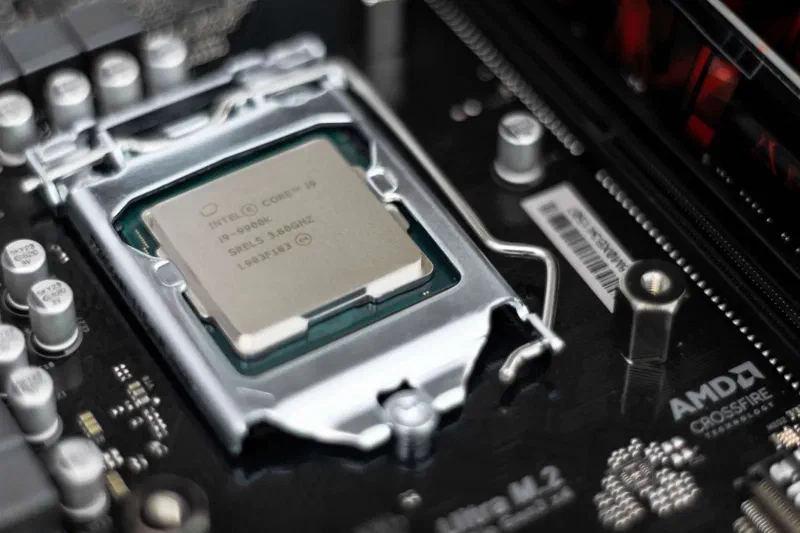
We explained that buying a graphics card from Amazon US can save money, and using a forwarding service can sometimes save you even more.
What is a forwarding service?
A forwarding service handles shipping on your behalf when you send goods from overseas.
When you use a forwarding service, your items reach your home in Japan by way of a US address used for shipping.
Using a forwarding service also has benefits: when you buy several items, they can be shipped together to keep shipping fees down, and because the provider handles the shipping, you can avoid trouble.
Shipping gets cheaper when you ship together
When you buy several items, a forwarding service can ship them together at once, which lowers the shipping cost.
The more items you import, the more you save on shipping, so it pays off when you import many PC parts such as graphics cards at once.
Avoid trouble and have your items delivered reliably
The forwarding provider steps in between you and the store and handles the procedures, so you can avoid trouble such as “I ordered but the package never arrived” and have your items shipped properly.
If something does go wrong, the provider will deal with it, which is reassuring.
You can import without worrying whether the item will really arrive, so it is also recommended for first-time importers who feel uneasy.
A good-value forwarding service: Planet Express
If you want to import graphics cards and other items cheaply from Amazon US, we recommend the low-cost forwarding service Planet Express.
If you buy from Amazon US to get a better price, a forwarding service that keeps shipping costs down is the best fit. For stores where you cannot pay with a Japanese card, you can also use Shop For Me ($5 fee plus 7% of the item price).
With Planet Express, shipping costs are low too, so you can keep costs down from purchase to delivery.
Keep shipping costs down
Planet Express is an affordable forwarding service that can use the discounted rates of major carriers (Yamato Transport, FedEx, DHL and others).
Sign-up is free, and the Free plan has no monthly fee. The shipping handling fee is $2 (approx. ¥318) per package.
On the Premium plan ($10 per month or $50 per year), consolidation, which puts several packages into one box, can sometimes save you a lot on shipping.
If you use the Oregon or Florida warehouse address, US sales tax is 0% (on all plans, including the Free plan). See 0% sales tax for details.
Japanese staff handle inquiries in Japanese carefully, and your account is available in Japanese. You can check fees on the pricing page and shipping costs with the shipping calculator.
For expensive items such as graphics cards, check the coverage details too. FedEx International Priority and Economy and DHL Express are shipping methods with insurance included. See About coverage for details.
Summary
This article explained how to buy graphics cards at a better price.
A graphics card is a PC part that handles video processing and lets you use high-graphics games and design software.
Depending on the model, buying a graphics card from Amazon US can save money, and using a forwarding service can sometimes save you even more.
Please use this article as a reference to buy graphics cards at a better price.